이 문서에서는 EloView 3에서 SubAccount를 삭제하는 과정에 대해 설명합니다.
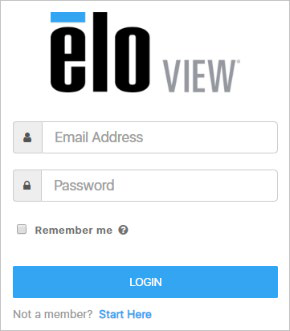
1. 계정 관리자로 EloView 웹사이트에 로그인합니다 – https://manage.eloview.com
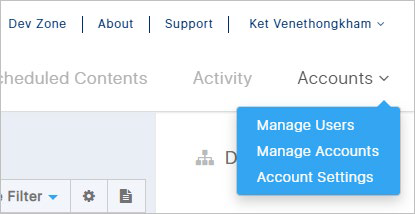
2. “계정” 섹션에서 계정 관리 링크를 클릭합니다.
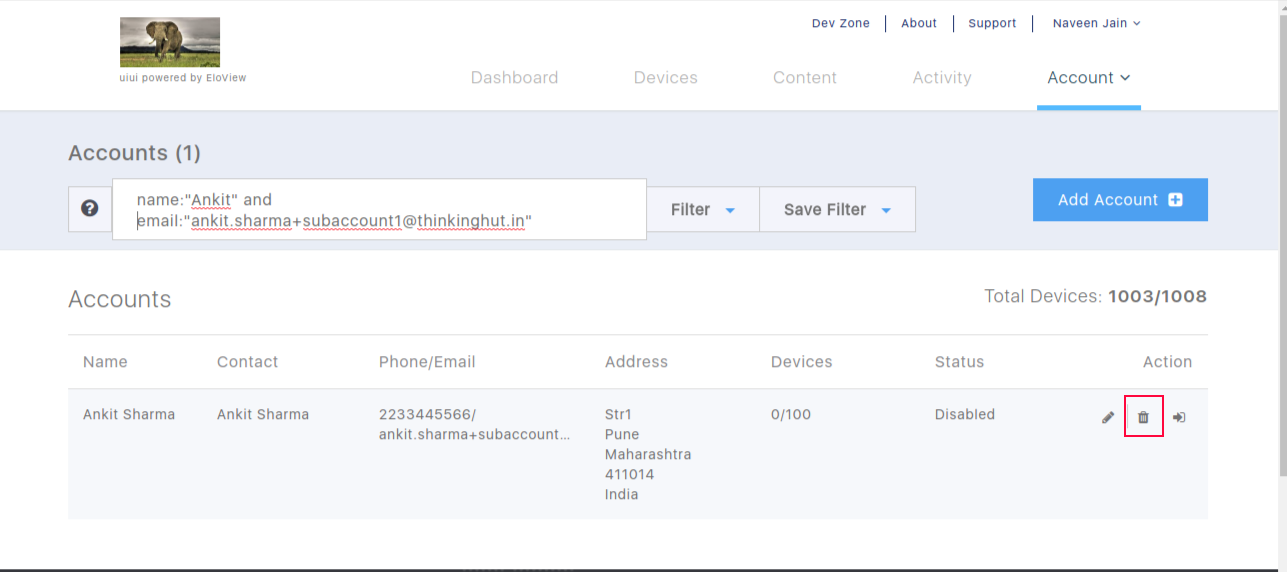
3. 작업 열 아래의 휴지통 아이콘을 클릭하여 SubAccount를 삭제합니다.
Please report any broken links by emailing elo.support@zebra.com and include a link to the knowledge article