本文描述了如何在EloView 3中删除子账户的过程
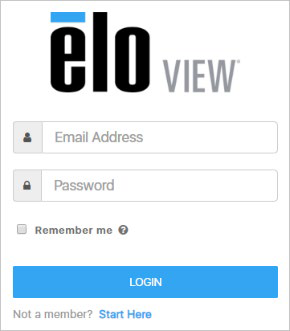
1. 使用账户管理员登录EloView网站 – https://manage.eloview.com
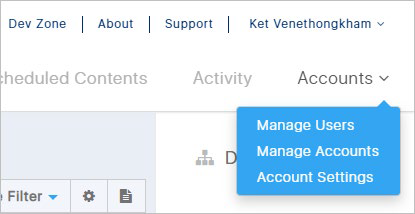
2. 在“账户”部分,点击管理账户链接
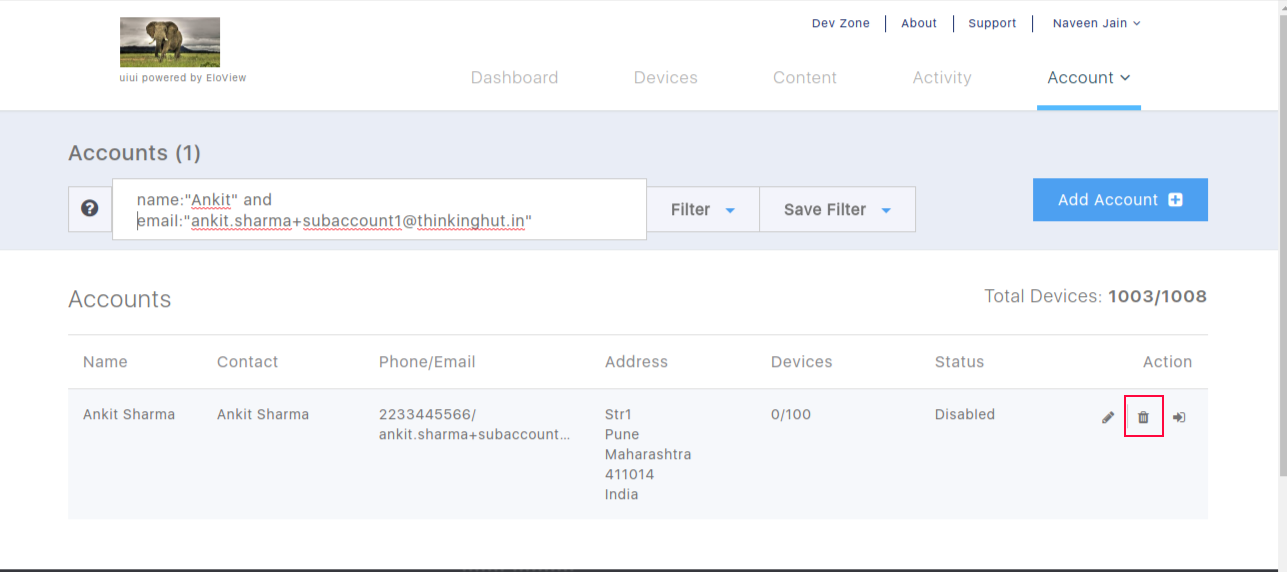
3. 点击操作列下的垃圾桶图标以删除子账户。
Please report any broken links by emailing elo.support@zebra.com and include a link to the knowledge article