This article explains how to mount the Elo Backpack with Intel® Compute Device using the supported mounting options.
The Elo Backpack supports a standard 100 mm mounting pattern and includes brackets for alternative mounting methods.
Supported Mounting Options
The Elo Backpack can be mounted using Option 1a or Option 1b below.
Option 1a: 100 mm Through-Hole Mounting Pattern
The Elo Backpack includes a 100 mm × 100 mm through-hole mounting pattern.
The mounting holes on the top side are countersunk for flat-head screws.

Mounting Details
Mounting pattern: 100 mm × 100 mm
Mounting holes: Countersunk
Screw type: M4 flat-head screws
Included hardware: M4 × 40 mm flat-head screws
Option 1b: Mounting Using Included Side Brackets
The Elo Backpack can also be mounted using the included side mounting brackets.
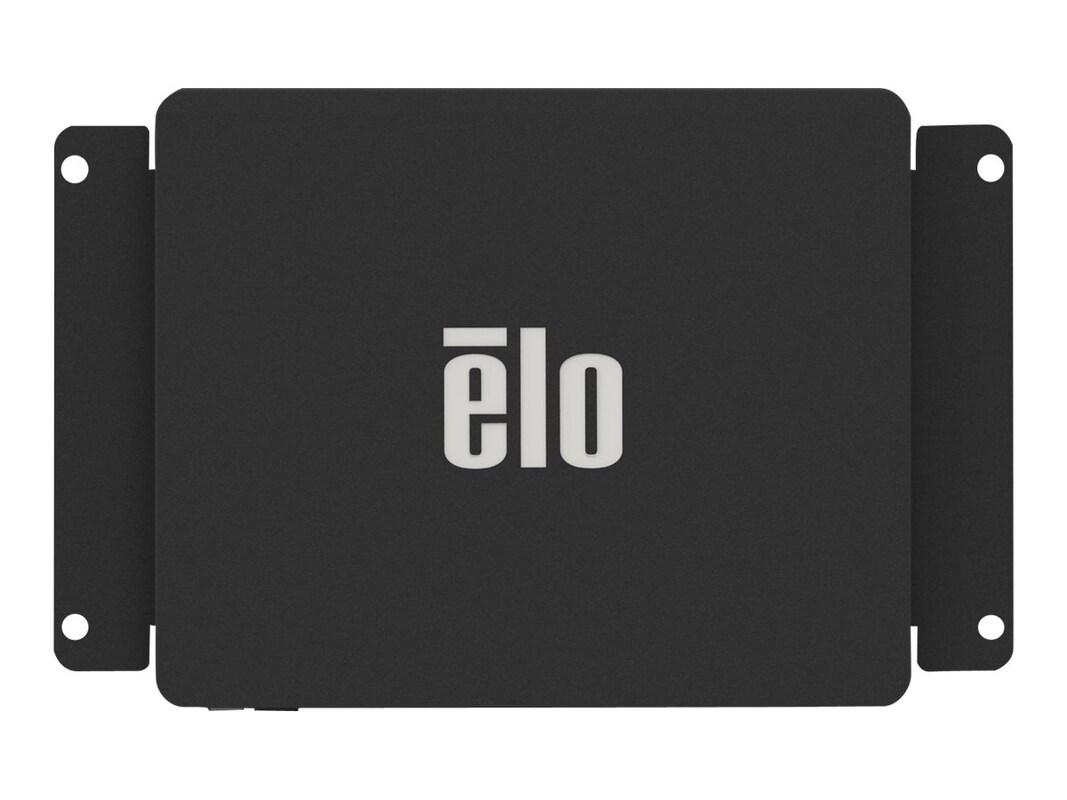
Bracket Installation
Included hardware:
M4 × 5 mm machine screws (4x) to attach brackets to the Backpack
Brackets mount directly to the sides of the device
Securing to a Surface
Use four (4) M4 or #8 mounting screws to secure the brackets to a solid surface
Surface mounting screws are not included
Screw type and length depend on the surface material and construction
General Mounting Guidelines
- Mount the device to a solid, stable surface
- Maintain adequate airflow around the enclosure
- Do not block ventilation fins
- Provide strain relief for all connected cables
Need Help?
If you have questions about mounting compatibility or need additional guidance, contact Elo Technical Support.
Please report any broken links by emailing elo.support@zebra.com and include a link to the knowledge article